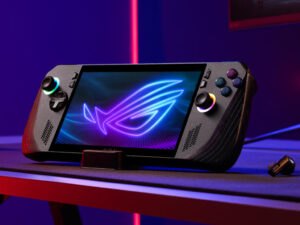
Oh great, another device having an identity crisis—meet the Asus ROG Ally Z1 Extreme Review . It thinks it’s a console, a gaming PC, and my emotional support gadget all at once.
As a gamer who’s spent countless hours with the Asus ROG Ally since its June 2023 launch, I can tell you it’s a wild ride. This handheld gaming PC packs a punch with its sleek design, AMD Ryzen Z1Extreme processors, and Windows 11, letting me take my Steam library from my couch to a coffee shop. It’s like having a gaming PC that fits in my bag! In this friendly, user-focused blog post, I’ll share my personal experience with the ROG Ally—its highs, lows, and everything in between—to help you decide if it’s your next gaming obsession.
Getting to Know My ROG Ally
When I first unboxed my ROG Ally, it felt like Christmas morning. This thing is a handheld gaming PC that lets me play PC games anywhere, from Elden Ring to Hollow Knight. Unlike the Steam Deck’s Linux-based SteamOS, the Ally runs Windows 11, so it’s like a mini version of my desktop rig. It comes in two flavors:
- ROG Ally (Ryzen Z1): with 6 CPU cores and 4 GPU cores for decent performance.
- ROG Ally (Ryzen Z1 Extreme): with 8 CPU cores and 12 GPU cores for some serious muscle.
I went with the Z1 Extreme because I’m a sucker for high frame rates, and boy, does it deliver. Let’s dive into my day-to-day experience with this gadget, from its design to its gaming chops, and spill the tea on what’s awesome and what’s annoying.
Design: My Hands Love It (Mostly)
It’s So Pretty!
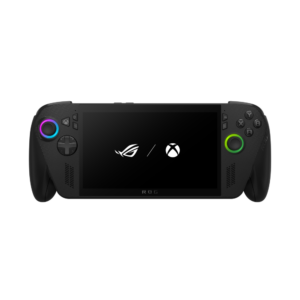
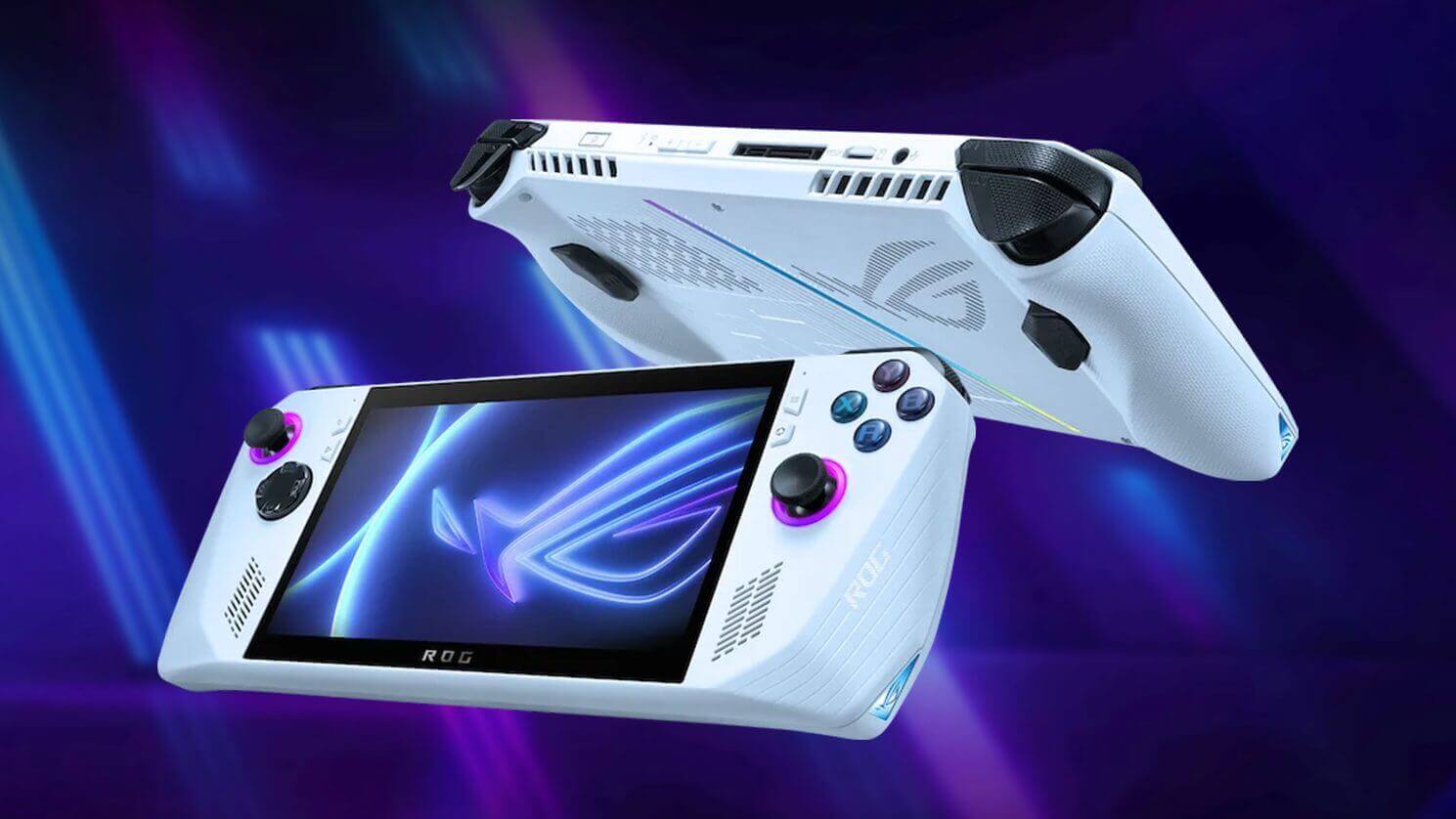
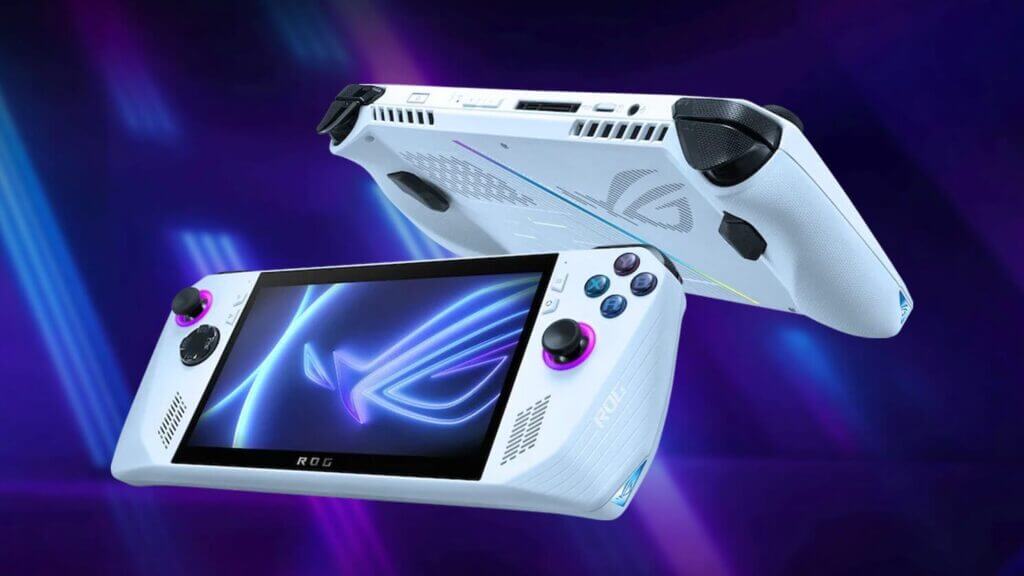
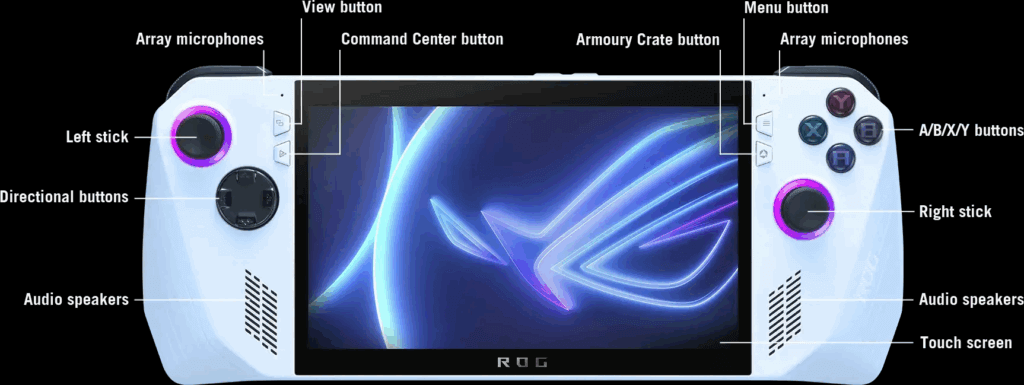
Holding the ROG Ally for the first time, I was smitten. Its white finish looks futuristic, and at 608 grams (1.34 pounds), it’s light enough to carry everywhere without feeling like I’m lugging a brick. The RGB lights around the joysticks are my favorite—customizing them to pulse purple during late-night sessions feels like I’m in a sci-fi movie. The Xbox-style layout (two joysticks, ABXY buttons, D-pad, bumpers, triggers, and two back paddles) is super familiar since I’m an Xbox gamer. The textured grips are comfy, but after a few hours, my bigger hands craved a bit more bulk.
That Screen Is My Happy Place
The 7-inch Full HD (1920×1080) IPS touchscreen is chef’s kiss. With a 120Hz refresh rate and AMD FreeSync Premium, games like DOOM Eternal look so smooth I forgot I wasn’t on my PC. The 500 nits brightness means I can play outside without squinting, and the colors pop with 100% sRGB coverage. My only nitpick? The chunky bezels make it look less sleek than I’d hoped, like a phone from 2015.

Solid, but Not Perfect
The Ally feels sturdy—no creaks or wobbles here. The buttons are clicky, and the joysticks are snappy, but early on, I noticed a tiny dead zone in one stick that made aiming in Apex Legends a bit off. A firmware update mostly fixed it, but it was a bummer. Also, no touchpads? Navigating Windows with just the touchscreen or joysticks feels like trying to text on a flip phone—doable, but frustrating.
Performance: My Games Have Never Looked This Good on the Go
Power That Wows Me
The Ryzen Z1 Extreme in my Ally is a beast. I’ve played Cyberpunk 2077 at 1080p with medium settings and got 40-50 FPS—on a handheld! Lighter games like Hades run at a locked 120 FPS, matching the screen’s refresh rate for pure bliss. The base Z1 is solid for less demanding titles, but the Extreme’s extra cores make a huge difference for AAA games. Compared to my friend’s Steam Deck, my Ally feels 50% faster, letting me crank up graphics without stuttering.
The 16GB of LPDDR5 RAM keeps things zippy, even when I’m switching between games and Discord. I love tweaking power modes (7W Silent, 15W Performance, 25-30W Turbo) to balance battery and performance. Turbo mode is my go-to for intense sessions, but Silent stretches battery life for chill games.

It Stays Cool, Mostly
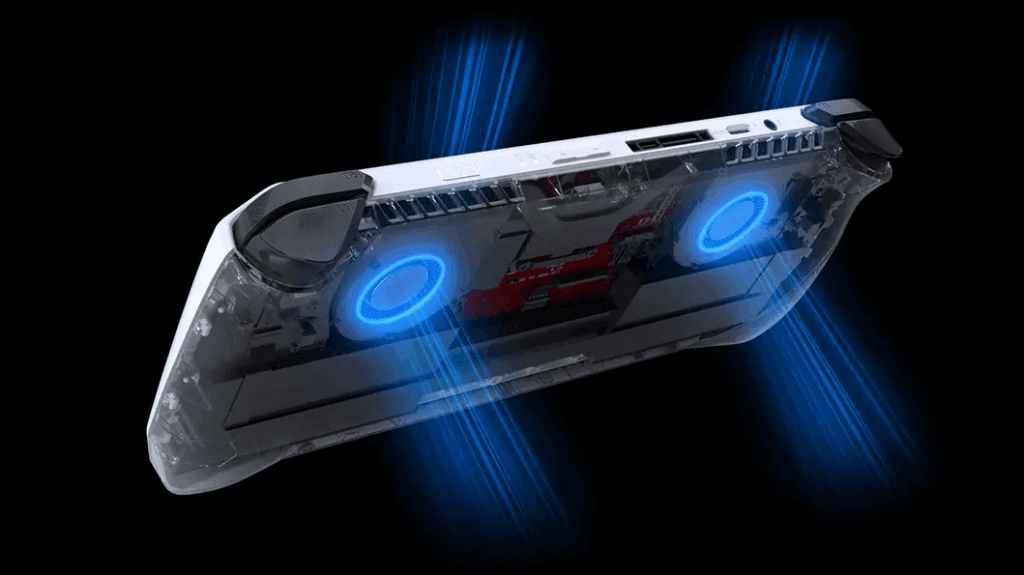
The dual-fan cooling system is a lifesaver. Even during a 2-hour Baldur’s Gate III marathon, the Ally didn’t get too toasty, though the top vents felt warm. The fans are quiet enough that I don’t notice them with headphones on, but they can hum during heavy games—not a dealbreaker, but noticeable in a quiet room.
Storage and Ports: Room for My Game Hoard
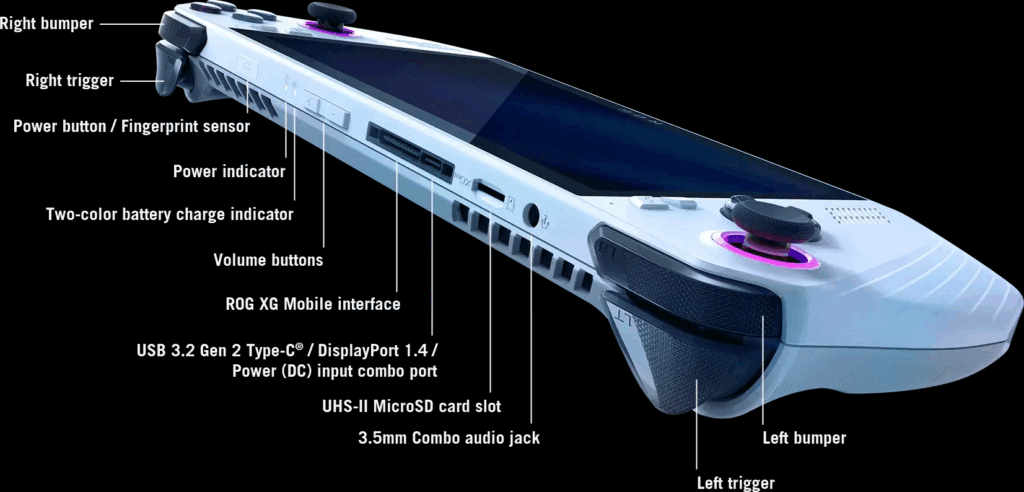
The 512GB SSD loads games crazy fast, but my massive library filled it up quick. I added a microSD card for extra space, but I got spooked by horror stories of early units frying cards due to heat. After updating the firmware, my card’s been fine, but I’m paranoid and back up regularly. The USB-C port, 3.5mm headphone jack, and microSD slot cover my needs, and I’ve used a USB-C dock to play on my TV with a controller—total game-changer.
Software: Windows 11 Is My Frenemy
The Windows 11 Rollercoaster
Windows 11 is both a blessing and a curse. On one hand, I can play everything—Steam, Epic, Xbox Game Pass, even emulators for my old GameCube faves. I’ve even used it to browse X or watch YouTube between matches. No compatibility tricks needed, unlike my buddy’s Steam Deck. But navigating Windows on a 7-inch screen? Yikes. Using the touchscreen or joysticks for desktop tasks feels like solving a puzzle blindfolded. Tiny text and random pop-ups (thanks, Windows Update) have interrupted my gaming flow more than once.
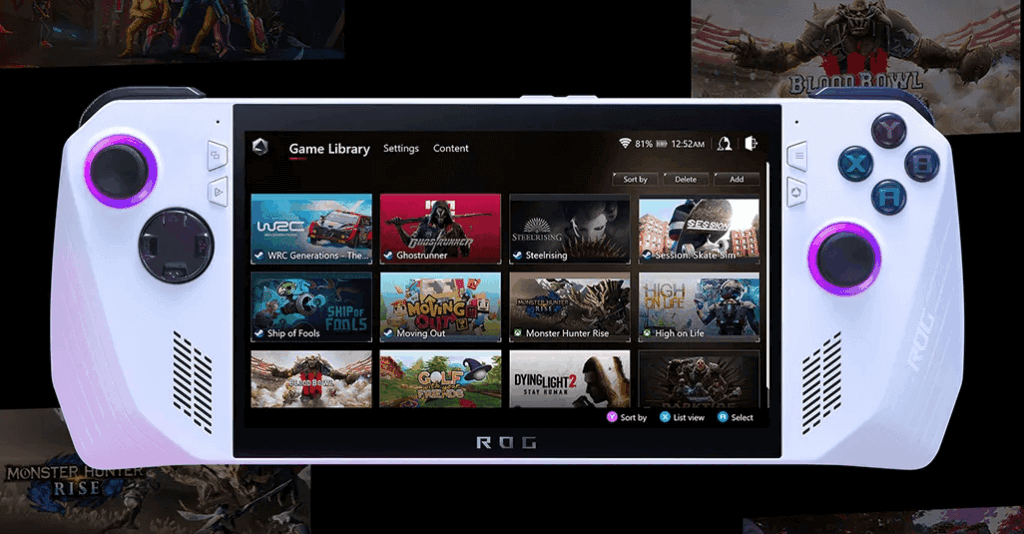
Asus’ Armoury Crate SE app is my hero, letting me launch games, tweak performance, and remap buttons from a slick dashboard. It’s like a mini Steam Big Picture mode, and updates have made it way smoother. Still, it’s not as plug-and-play as SteamOS, and I’ve had moments where I just wanted to yeet the Ally at a wall when a game launcher wouldn’t cooperate.
Gaming Feels Like Magic
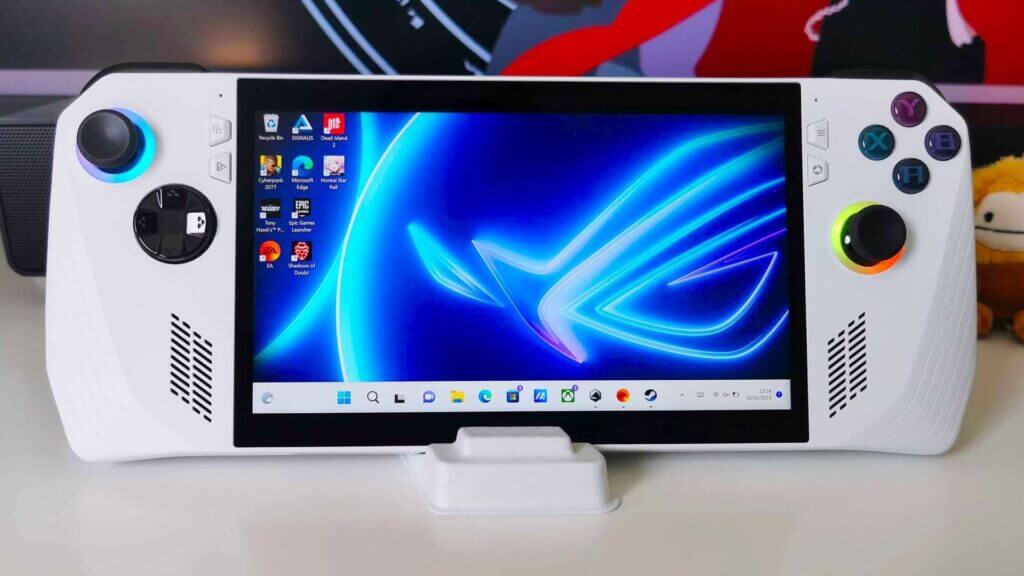
Once I’m in a game, all my Windows gripes melt away. The controls are spot-on for controller-friendly titles, and that 120Hz screen makes everything feel alive. I’ve spent hours lost in The Witcher 3, tweaking graphics settings to find the sweet spot (a gamer’s rite of passage). Some games need extra setup, like fiddling with launcher options, which is a pain without touchpads. But when it works—and it usually does—it’s pure joy.
Battery Life: My Biggest Heartbreak
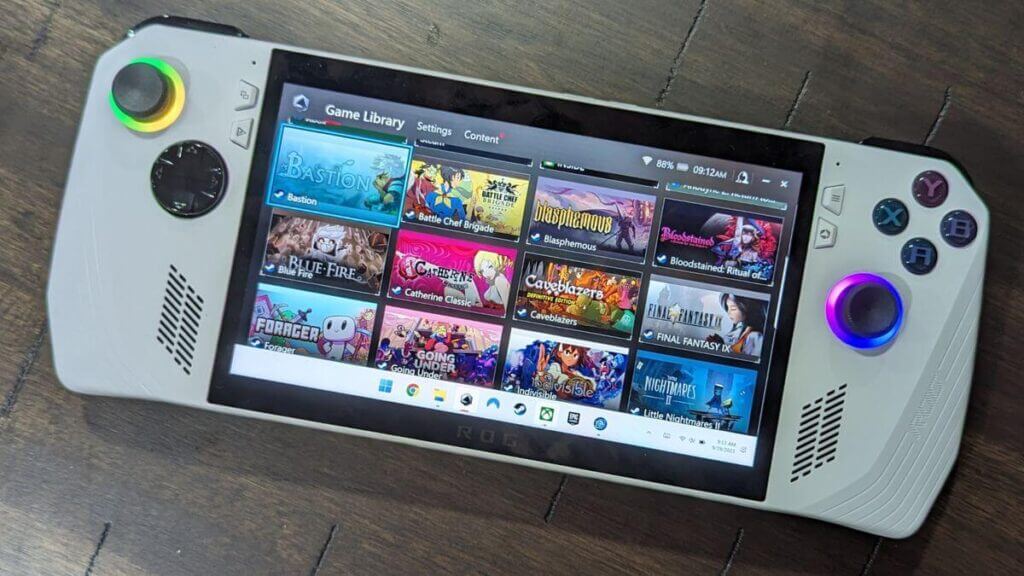
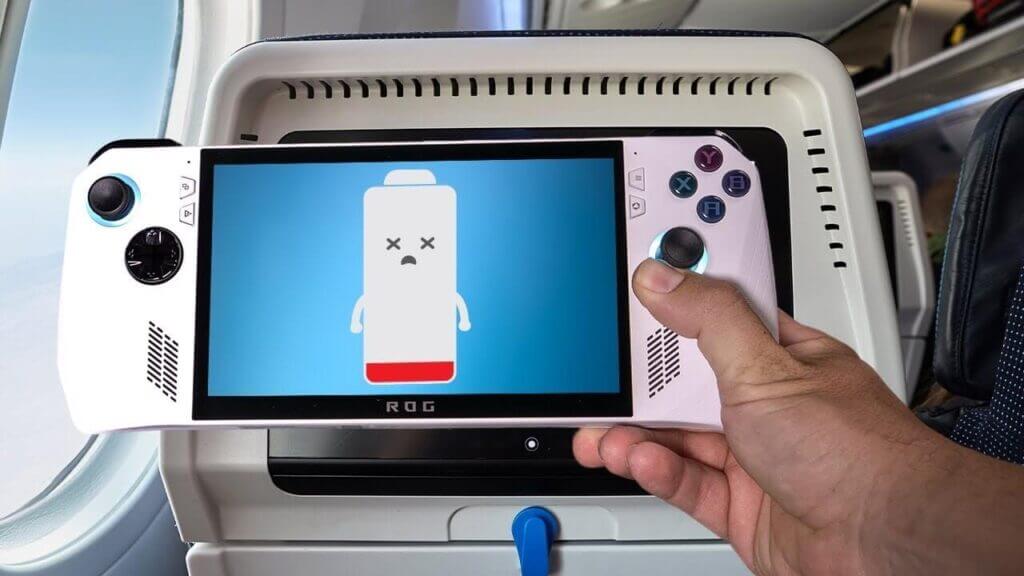
Here’s where I sigh: the battery life. The 40Wh battery lasts 1-2 hours for heavy games in Performance or Turbo mode. I barely got through a God of War boss fight before the low-battery warning popped up. Lighter games in Silent mode stretch to 3-4 hours, but that’s still weak compared to the Steam Deck’s 5 hours . I’ve gotten into the habit of carrying a power bank everywhere, which kinda defeats the “portable” vibe. Lowering brightness and sticking to Silent mode helps, but I dream of a world where I can game all day without a plug.
Accessories: Where’s My Free Case, Asus?
I was bummed the Ally didn’t come with a case—$600+ and I’ve gotta buy one separately? I grabbed a $30 third-party case, and it’s been great for tossing in my bag. I also got a cheap USB-C dock to play on my TV, which makes the Ally feel like a legit console. The microSD slot is a lifesaver for storage, but I’m still nervous about those early SD card issues. The USB-C port is super versatile for charging, docks, or even connecting a mouse for Windows navigation.
Pros and Cons:
What Makes Me Smile
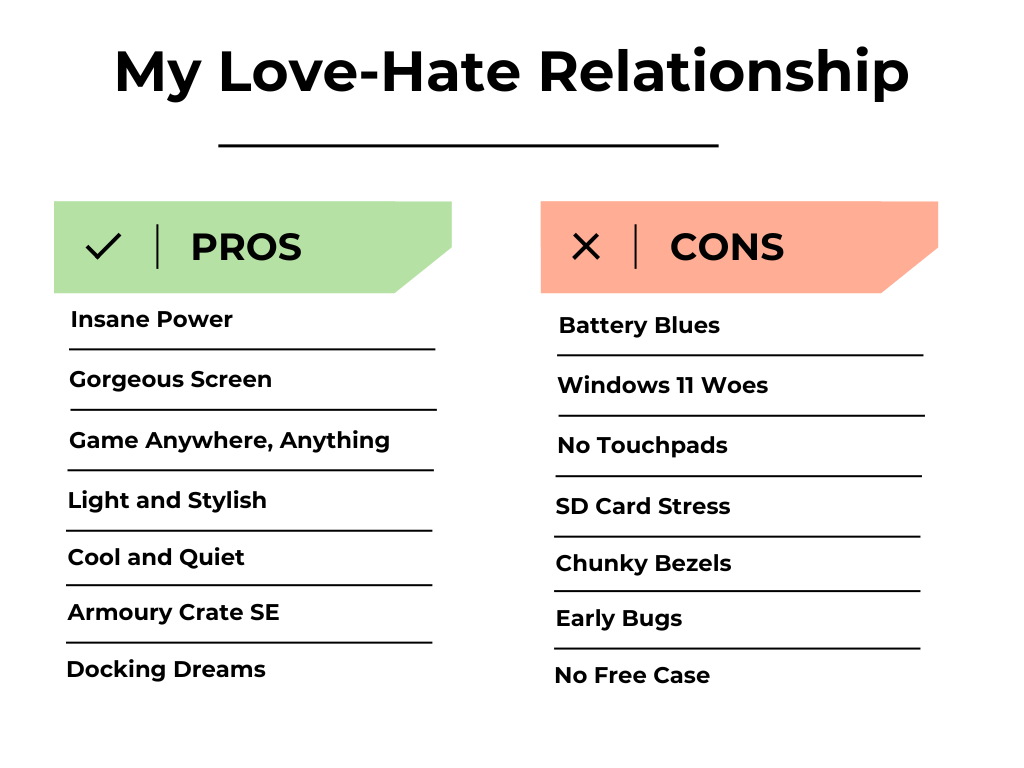
- Insane Power: The Z1 Extreme runs AAA games at 1080p like a champ—my Steam library’s never been happier.
- Gorgeous Screen: The 120Hz 1080p display is so smooth and vibrant, I’m spoiled for life.
- Game Anywhere, Anything: Windows 11 lets me play Steam, Epic, Xbox, and emulators without breaking a sweat.
- Light and Stylish: At 608g, it’s easy to carry, and those RGB lights are my vibe.
- Cool and Quiet: The fans keep it chill without drowning out my game audio.
- Armoury Crate SE: Saves me from Windows’ clunkiness with a slick game launcher.
- Docking Dreams: Hook it to a TV, and it’s a full-on gaming PC.
- Worth the Price: feels fair, especially on sale.
What Makes Me Groan
- Battery Blues: 1-2 hours of gaming means I’m always glued to a charger.
- Windows 11 Woes: Navigating on a handheld is a hassle, with glitches that test my patience.
- No Touchpads: Desktop tasks feel like a chore without them.
- SD Card Stress: Early heat issues with microSD cards have me paranoid, even with fixes.
- Chunky Bezels: The screen’s borders look dated for such a premium device.
- Early Bugs: Joystick dead zones and SD card drama were annoying, though updates helped.
- No Free Case: I shouldn’t have to buy one separately at this price.
My Final Thoughts of Asus ROG Ally Z1 Extreme Review A Love Letter to the Ally
The Asus ROG Ally is my portable gaming dream come true—powerful, gorgeous, and a little quirky. The Ryzen Z1 Extreme and 120Hz display make my games look and feel incredible, and Windows 11 lets me play anything, anywhere. Sure, the battery life breaks my heart, and Windows 11 can be a diva, but the thrill of playing Horizon Zero Dawn on a train makes it worth it. Early bugs like SD card issues were a drag, but Asus’ updates have kept my Ally running smoothly.
If you’re a gamer who loves power and doesn’t mind a bit of setup, the Ally will steal your heart. If you want a no-fuss experience, the Steam Deck might be your speed. For me, the Ally’s a game-changer, and I can’t wait to see where Asus takes it next!
Hope this Asus ROG Ally Z1 Extreme Review give you more close look.